Applications of your own · from one source

Apps & dashboards

The website for your customers. The dashboard for your team.

Many processes still live in Excel lists, email inboxes and paper folders. We turn them into an application of your own – connected to your website or shop, on the same data, from one source.

  • In the browser and on the phone
  • Our own servers in Germany
  • Nightly backups
  • Operated and maintained by us
Dashboard of a consulting app with projects and progress (sample data)

What we build

From customer portals to phone apps

Often several of them belong together: the customer sees the portal, the team works in the dashboard, and on the road the same application runs on the phone.

Customer portals

Every customer gets a login of their own. They see where their case stands and send you documents instead of emailing them.

  • One login per customer
  • Status of the case at a glance
  • Upload documents and photos

Dashboards & reports

All cases, orders or applications on one page: what is open, what is due, what is done.

  • Traffic lights, deadlines and reminders
  • Figures from shop, till and forms
  • Export for accounting and Excel

Staff apps

Tools for your team on site and on the road – without paper notes and group emails.

  • Rota and assignments
  • Routes and drivers
  • Checklists and records

Phone apps

Every application can be added to the phone’s home screen like an app – for your team and for your customers.

  • Installable without going through an app store
  • Runs on iPhone and Android
  • On request as a native app for the App Store and Google Play

Examples in use

Projects that are running today

They show how website and application work together: the public site in front, the tool for the team behind it.

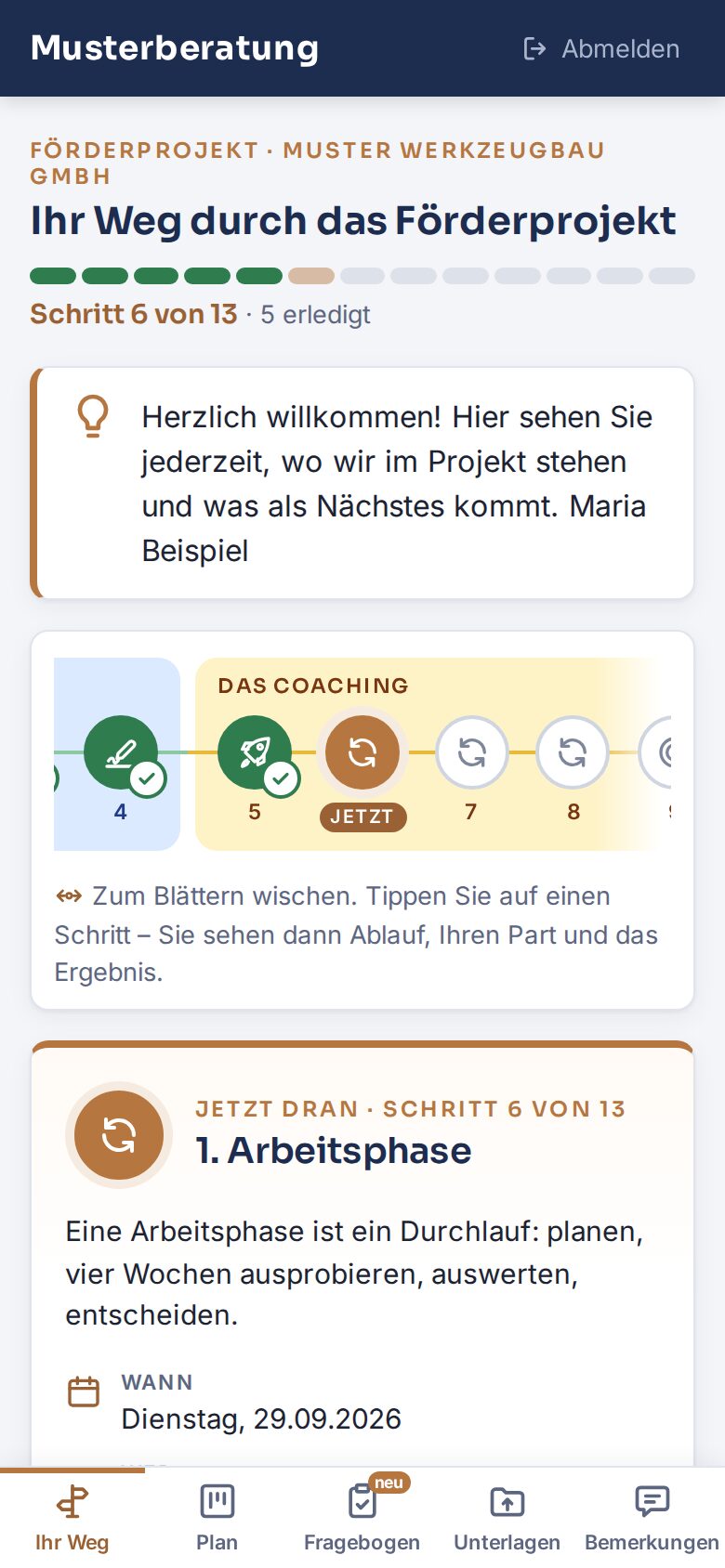
Customer portal of a consulting app on a phone (sample data)

Web app · customer portal

Consulting & funded projects

The consultant runs all projects in one dashboard. Every client has a portal with their own login and sees the next steps there.

  • Upload documents instead of emailing them
  • Voice notes instead of emails – turned into text on our own server
  • Official forms come out of the system already filled in
  • Installable on the phone

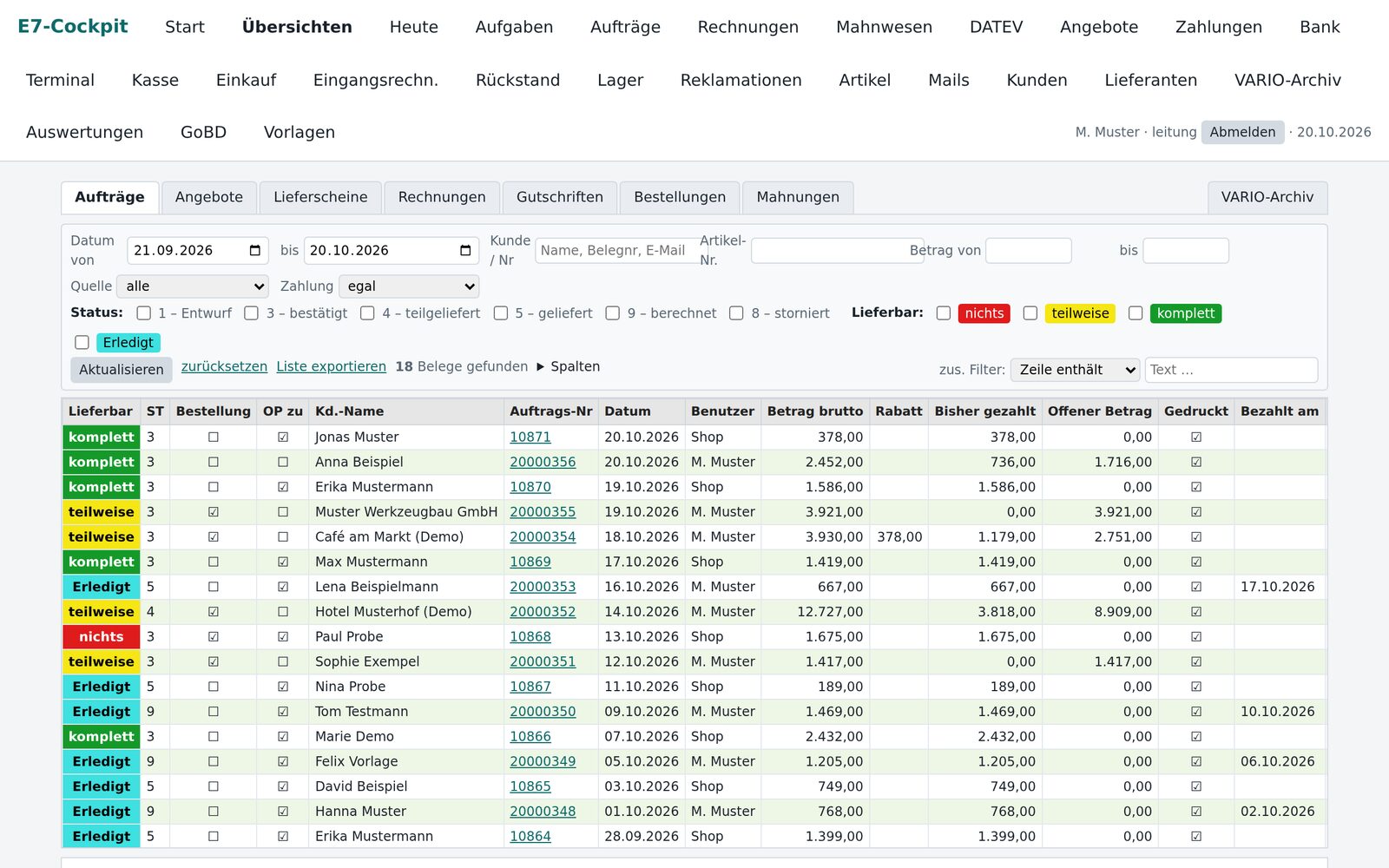
etage7 · Shopware 6

Retail: shop and inventory

The online shop in front, an inventory system of its own behind it, working on the same data as the shop.

  • Documents, in-store sales and cash book
  • Bank reconciliation, DATEV export
  • Logistics app for routes and drivers
Visit etage7.de →

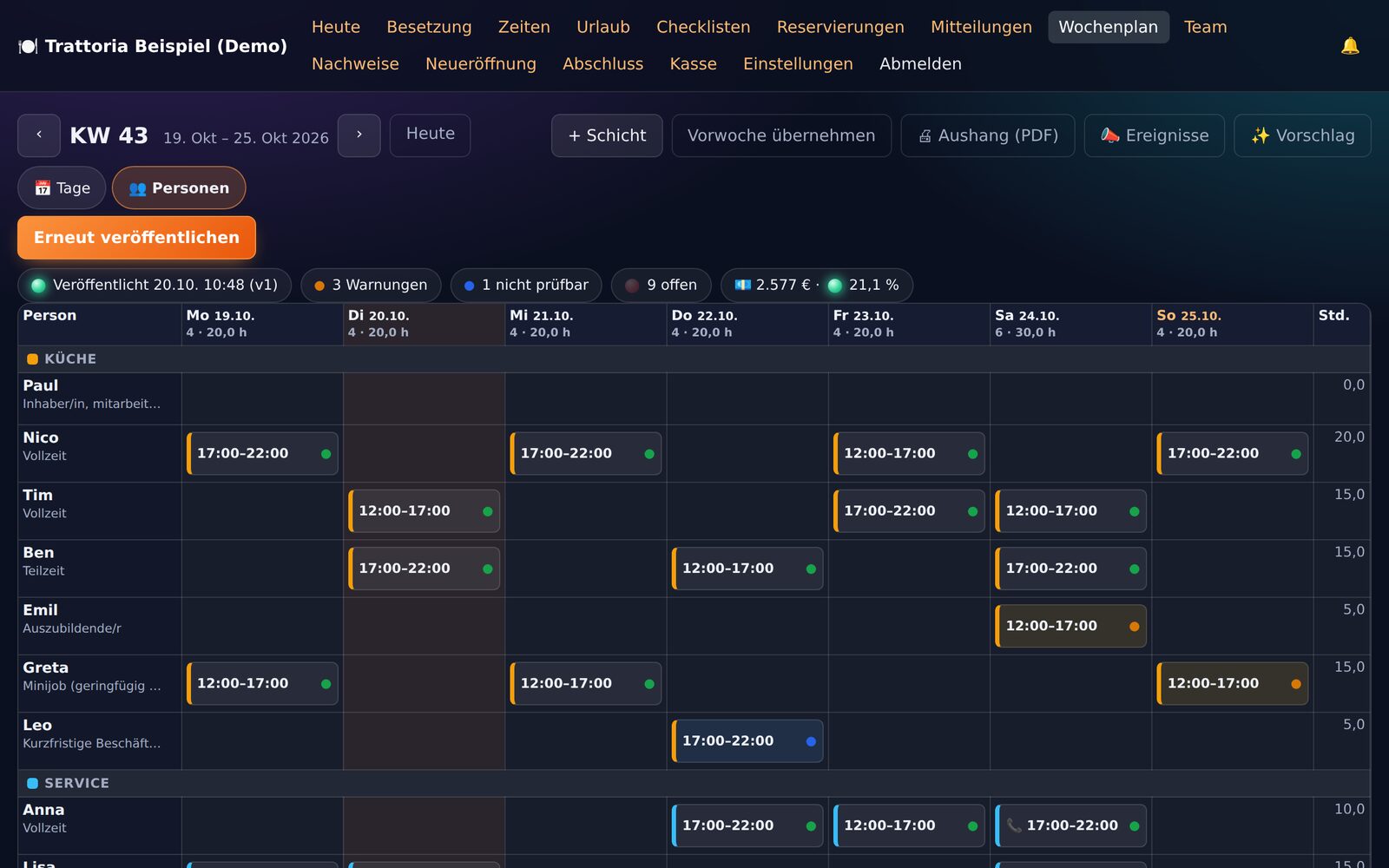
lumigast.de · our own product

Hospitality

Lumigast is our own web app for small and medium-sized restaurants, with its own product website in five languages. One restaurant uses it in a pilot.

  • Rota, shift swaps and holidays
  • Time tracking with month-end closing
  • Checklists, stock and stocktaking on the phone
  • Till and device integration: in trial
Visit lumigast.de →
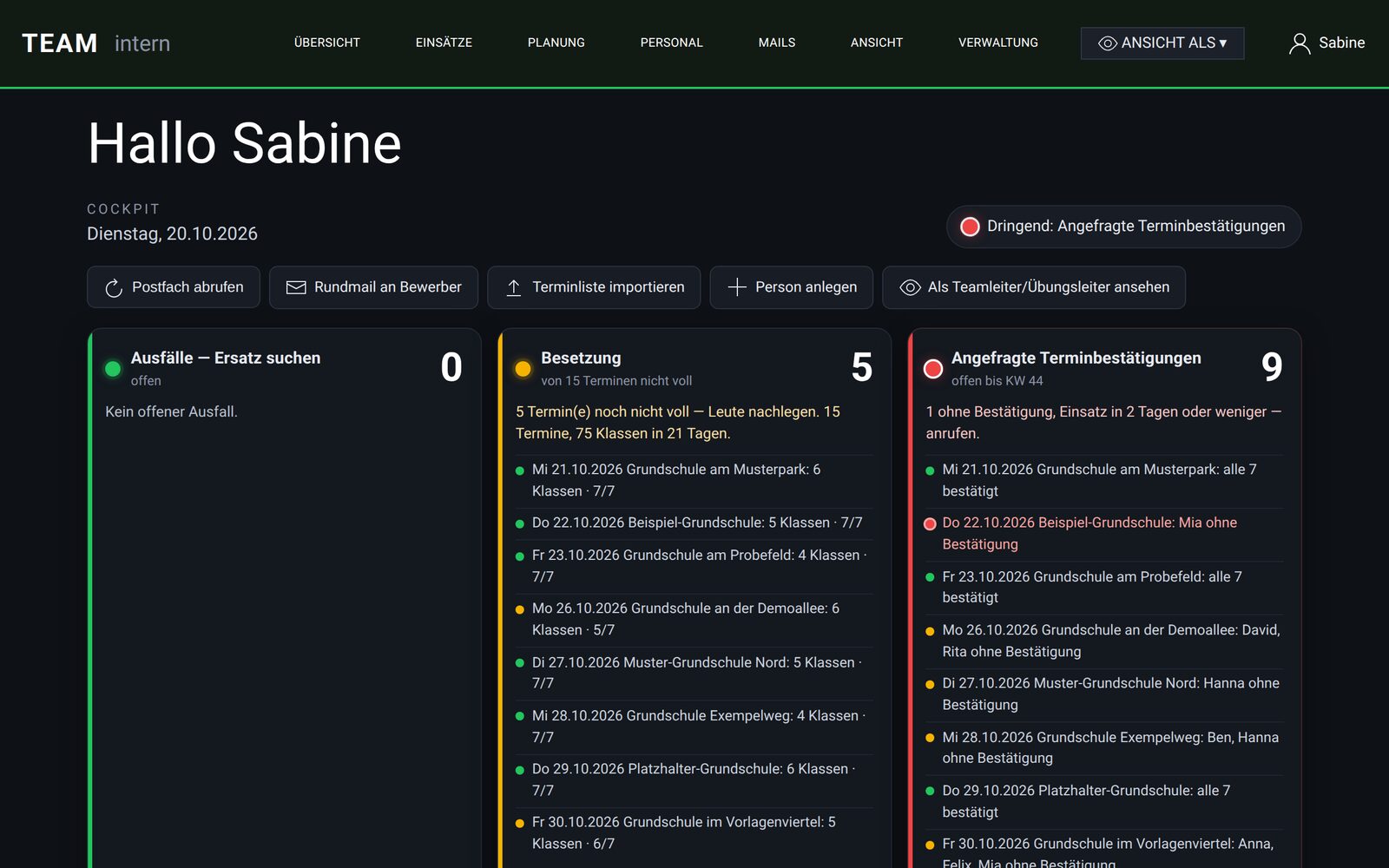
Cockpit for applications and assignments with traffic lights (sample data)

Web app · staff planning

Applications and assignments

Three lists became one cockpit: applications from the website form and from the mailbox land in one place, and assignments are planned there.

  • Traffic lights show what is urgent
  • Reminders and follow-ups
  • Group emails with templates

The images show sample data.

Process

Start small, extend in use

Map the process

Step 01

We look at how the work runs today: which lists, which emails, who needs what and when. Ideally right at your Excel sheet.

First version in use

Step 02

The core process comes first – with real data and with the people who will work with it.

Extend in rounds

Step 03

Whatever is missing or gets in the way in daily work goes into the next round. The application grows with your business.

Operation and maintenance

Step 04

Servers, updates, backups and change requests are on our side. You have one fixed contact.

Technology & operation

Your data stays with you

Our own servers, our own speech recognition, no external AI service in between.

  • Our own servers at Hetzner in Nuremberg. That is where the applications from the examples run.
  • Backed up every night. Files and databases go to separate storage, with the states of the previous days.
  • Voice notes stay in house. Speech-to-text runs on our own server, not at an external AI service.
  • Your data belongs to you. We work with a data processing agreement under Art. 28 GDPR; you can get a full export at any time on request.
  • Shopware 6
  • DATEV export
  • Email inboxes
  • WhatsApp & Telegram
  • Website forms
  • PDF forms
  • In the browser
  • As an app on your phone

FAQ

What clients want to know before they start

What does an app cost?

That depends on the scope: how many processes, how many users, which integrations. We charge by effort. After the first call you receive a quote for the first version and for ongoing operation.

Can we start with our Excel list?

Yes, that is often the best way in. Your list shows which data exists and how the work is done today. We move the data into the application.

Who owns the data?

You do. We process it only on your behalf, based on a data processing agreement under Art. 28 GDPR. You can get a full export at any time on request.

Does it work as a phone app?

Yes. Every application runs in the browser and can be added to the home screen like an app – without going through an app store. If you need a native app in the App Store or on Google Play, we build that too.

Does it work with our existing website or shop?

Yes. Enquiries from your website forms can land directly in the application, and so can shop orders. If we do not look after your website yet, we connect it via interfaces.

Is there funding for it?

Depending on the programme, digitalisation projects can be eligible for funding. The order matters: first the application for funding, then the contract. Talk to us about it before you start.

Get started

Which process costs you the most time today?

In the first call we look at that process together and discuss what a first version could look like.